#1 Keyboard Test Tool
Use this online keyboard test tool to check every key fast and easily.
Press any key on your keyboard. Each key turns green on the on-screen keyboard when it works.
How to Use Our Keyboard Test Tool
Two quick steps to run the keyboard test on every key.
- 1
Press each key on your keyboard.
- 2
Each key turns green the moment it works. When every key is green, your keyboard passes the test.
Looking for a new keyboard?
Browse the keyboards we recommend after your keyboard test.
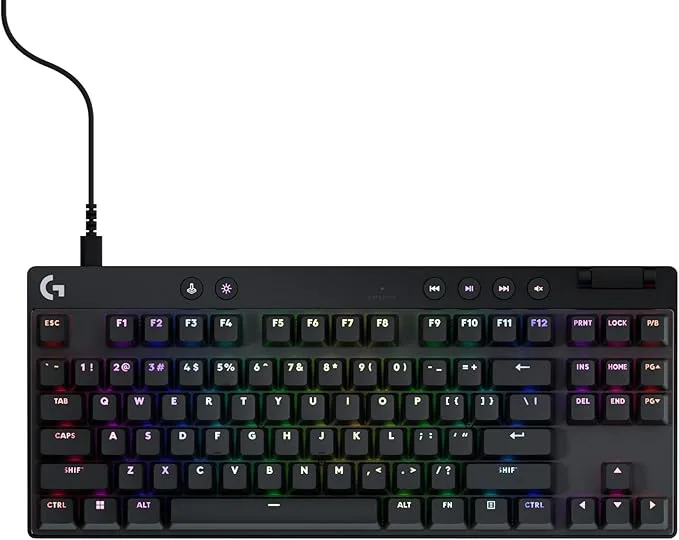
- Magnetic analog switches with rapid trigger
- Lightsync RGB, volume roller and media buttons
- Detachable USB-C cable
TKL · USB-C wired · analog
See details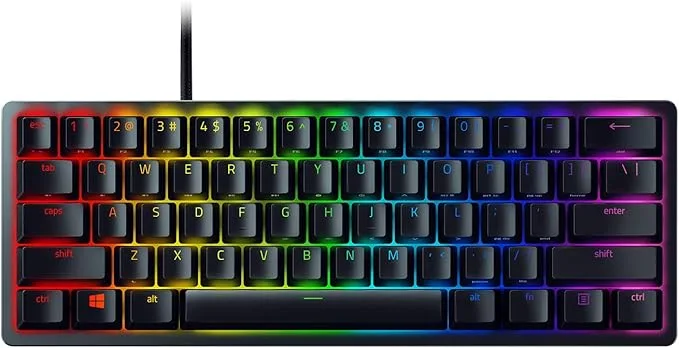
- 60% layout with fast linear optical switches
- Aluminum top frame, doubleshot PBT keycaps
- Chroma RGB, onboard memory, and Snap Tap
60% · optical
See details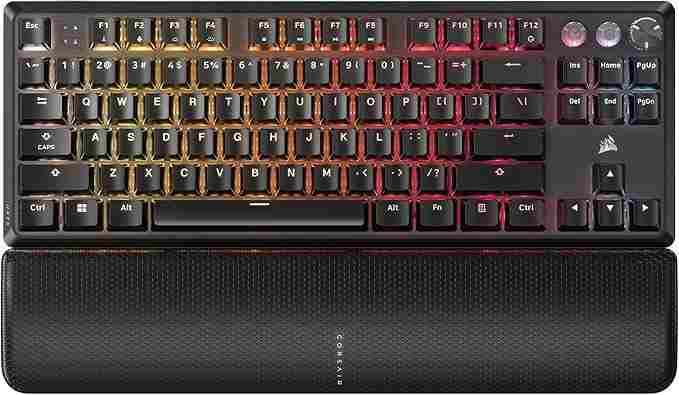
- TKL layout with pre-lubed Hall effect MGX switches
- Rapid Trigger and per-key actuation from 0.4 to 3.6mm
- Double-shot ABS keycaps, rated for 150M keystrokes
TKL · wired · magnetic
See details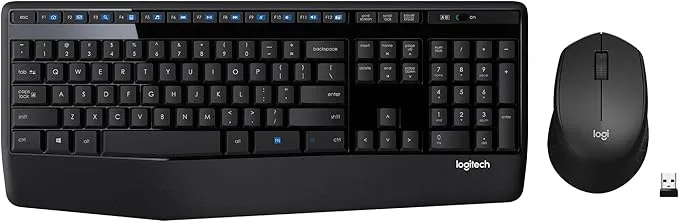
- Full-size wireless keyboard and mouse combo with palm rest
- 2.4 GHz USB receiver, works with Windows, Mac, and ChromeOS
- Spill-resistant, with up to 3-year keyboard battery
Full-size · wireless · combo
See details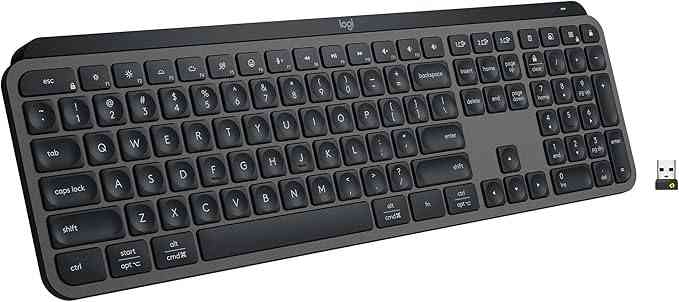
- Low-profile keys for quiet, fluid typing
- Backlight that lights up as your hands approach
- Connects to 3 devices over Bluetooth; USB-C rechargeable
Low-profile · Bluetooth · backlit
See details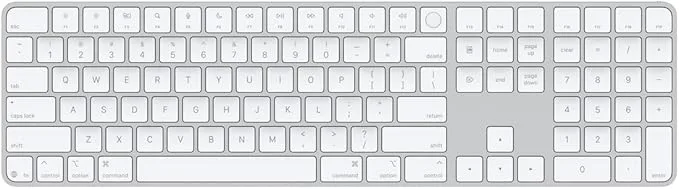
- Touch ID for fast, secure login and unlock
- Extended layout with numeric keypad and full-size arrow keys
- Wireless and rechargeable, about a month per charge
Extended · wireless · Touch ID
See detailsKey Features of Our Keyboard Test Tool
Check every key with instant visual feedback and track your progress until the whole keyboard is confirmed.
Full Keyboard Key Test
Press each key and watch it light up on the on-screen keyboard. Every key that works turns green, so you can see at a glance which keys respond and which don't.
Start keyboard test now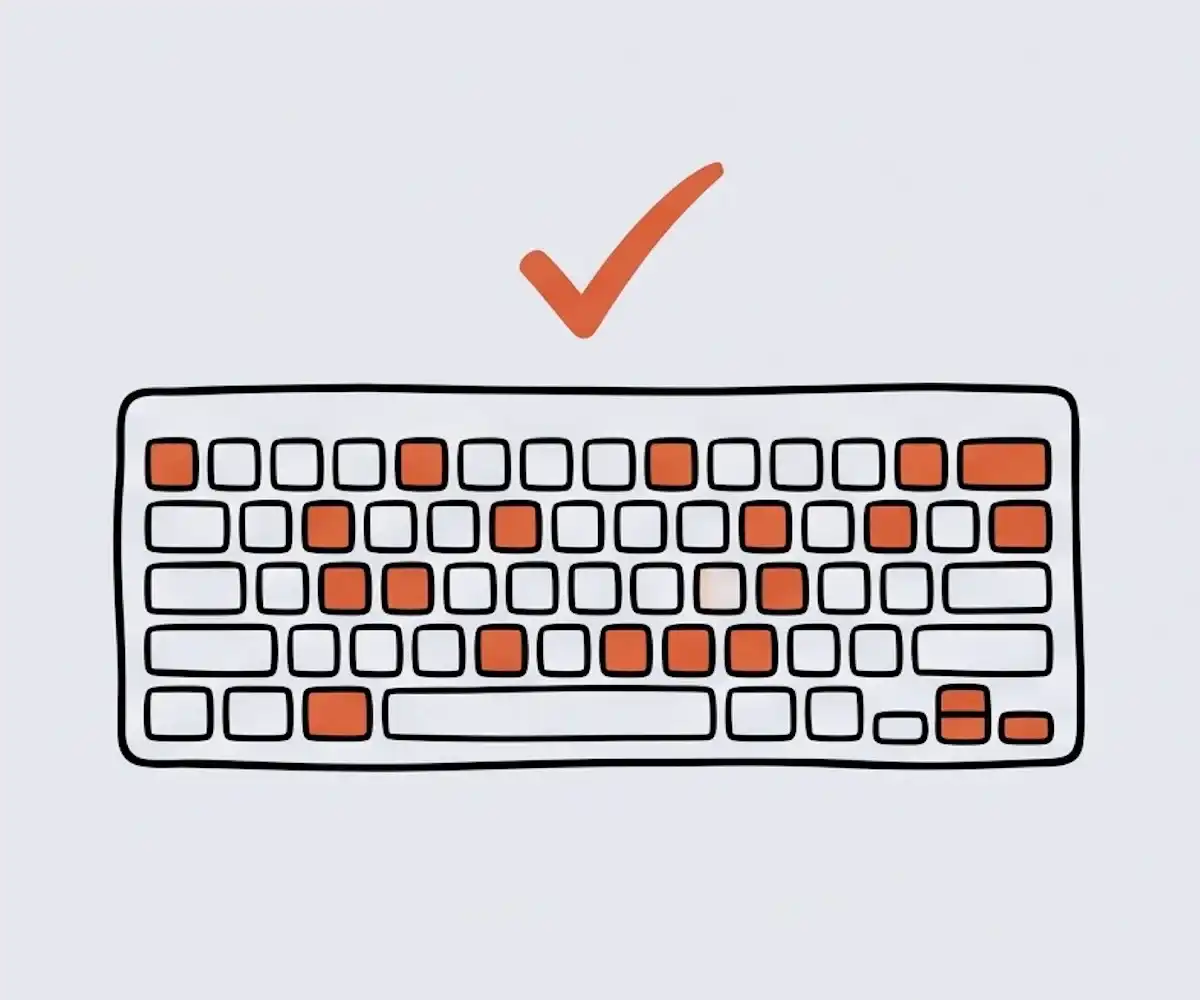
Built for PC and Mac
You can switch the on-screen keyboard between PC and Mac so it matches the keyboard you use. You can also show or hide the number pad.
Switch layout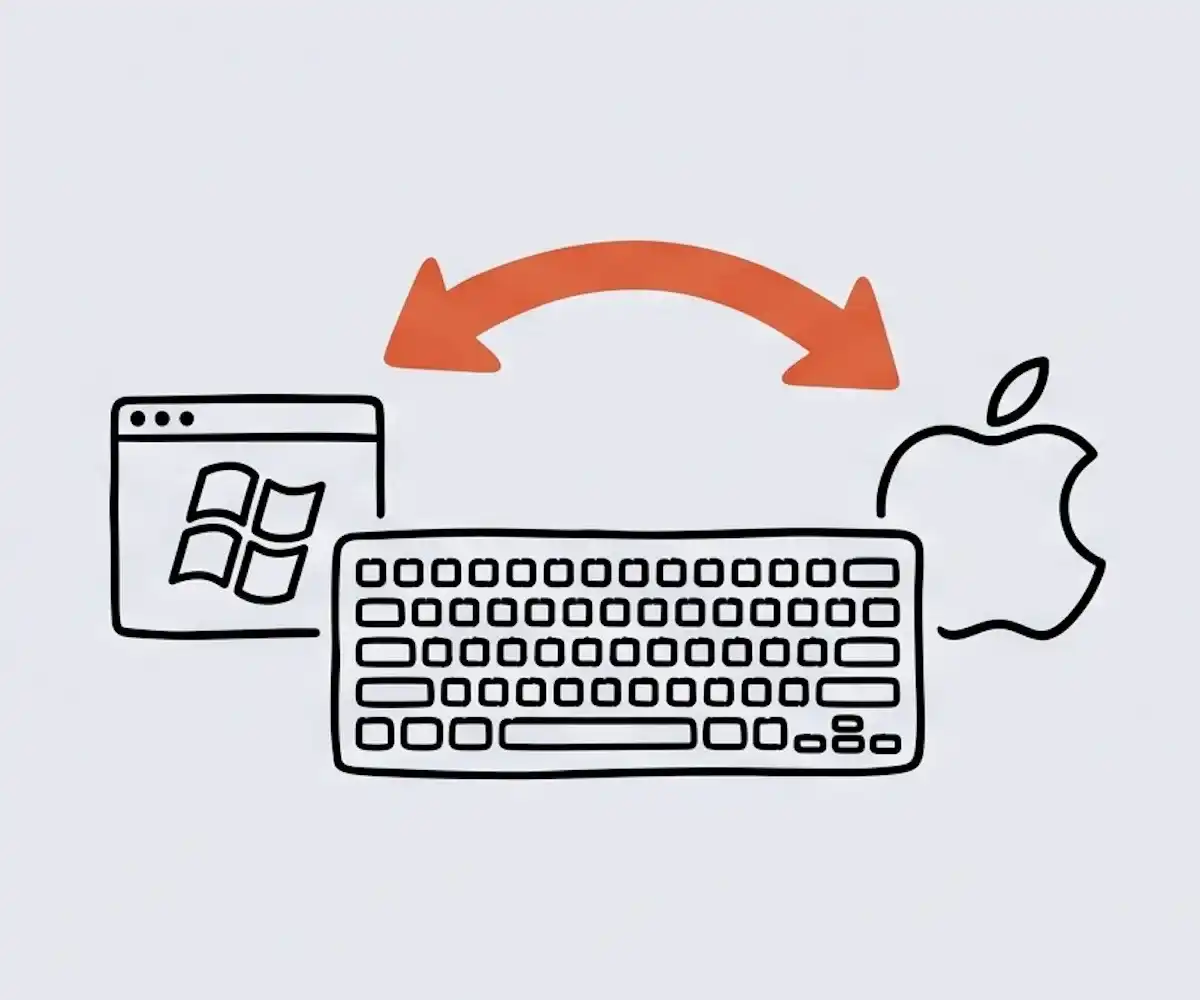
Tracks Your Progress
As you test, every key you press turns green and stays green. The progress tracker shows how many keys are left to check.
Try keyboard test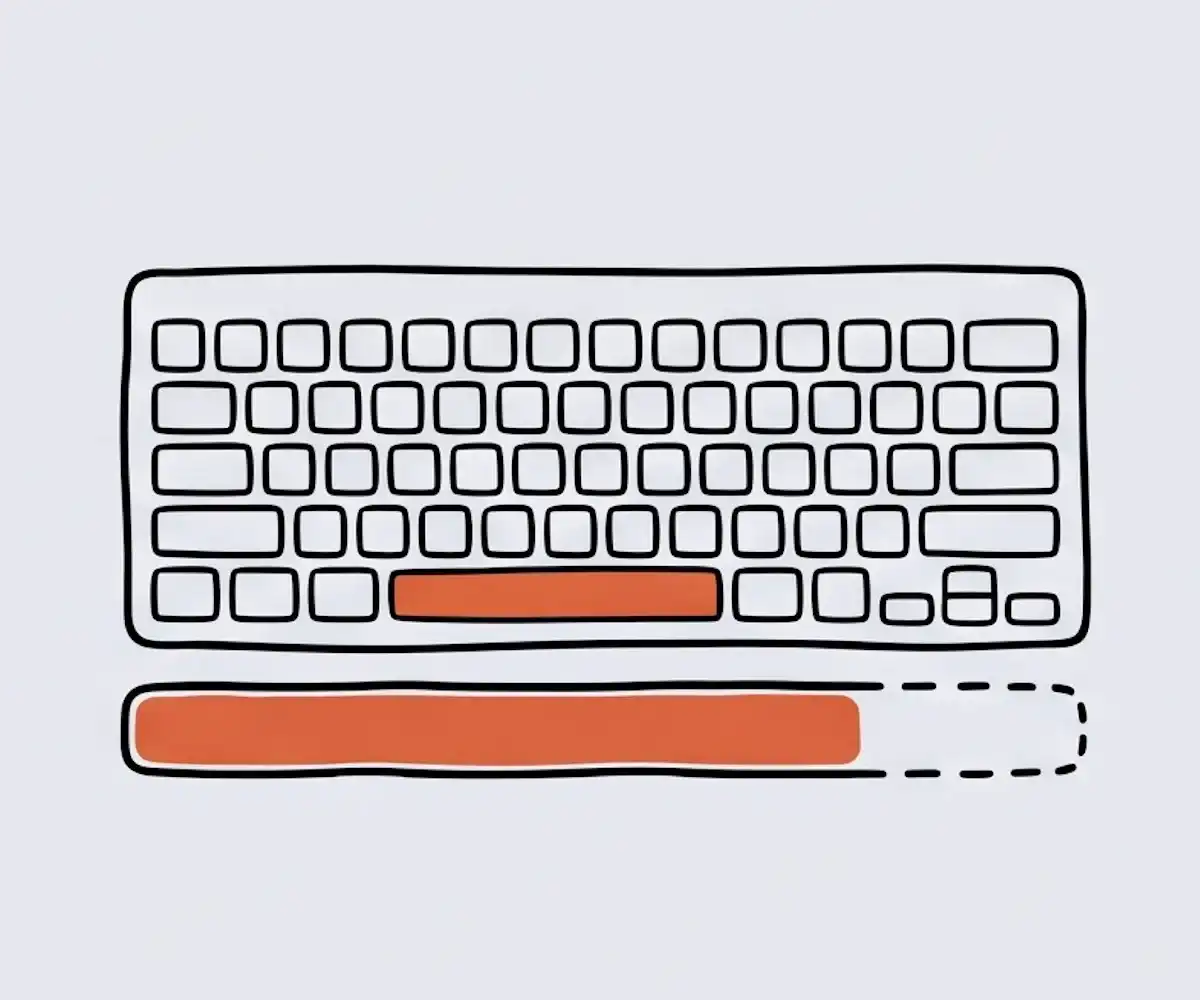
Works in Your Browser
No app, no extension, no install. The keyboard test runs right in your browser on Windows, Mac, and Linux, and your keystrokes never leave your device.
Run free keyboard test
Free and Unlimited
The keyboard test is completely free, with no sign-up needed. You can test your keyboard as many times as you want, with no limits.
Open keyboard test
Why Choose Our Keyboard Test Tool
See how this free keyboard tester compares to other tools.
| Feature | Our Keyboard Test | Other Tools |
|---|---|---|
| Progress tracking | Yes | Rarely |
| All keys passed check | Yes | Rarely |
| Numpad toggle | Yes | Rarely |
| Multi-key detection | Yes | Rarely |
| PC & Mac layouts | Yes | Sometimes |
Frequently Asked Questions
Common questions about our keyboard test tool.
What is our keyboard test tool?
Our keyboard test tool is a free online tool that checks every key on your keyboard. Press a key and the matching key lights up green on the on-screen keyboard. It shows the last key you pressed and tracks your progress until every key is confirmed. Everything runs in your browser on Windows, Mac, or Linux, with no install, no sign-up, and no data leaving your device.
How do I test my keyboard?
Run the keyboard test on each key, one at a time. The matching key turns green on the on-screen keyboard when it works. Go over every key, including the function row, arrows, and numpad, to make sure they all register.
Why doesn't one of my keys light up?
If a key never lights up, the connection may be loose, or your browser may block that key (some function and media keys are blocked). Try a different browser first. If it still doesn't work, the key is likely broken — it may be time to pick a new keyboard.
Can I test function keys, arrows, and the numpad?
Yes. The on-screen keyboard includes the F1–F12 row, the Insert/Home/Page Up keys, arrow keys, and numpad. On some laptops you need to hold the Fn key to use F1–F12. A few keys are also controlled by your browser or system, so they may not show up here.
Does it work on Mac and laptops?
Yes. Switch to the Mac layout and the key labels match your Mac. The test works on any laptop or external keyboard.
Is it free? Do I need to install anything?
Yes, the keyboard test is completely free. No download, no sign-up, no plugin — it runs right in your browser.
Are my keystrokes private?
The keyboard test runs entirely in your browser. Your keystrokes are never uploaded or sent to a server.
Run the keyboard test now
Press any key to start the keyboard test. It is free, fast, and private.
Start the keyboard test